remove participant
select the workspace
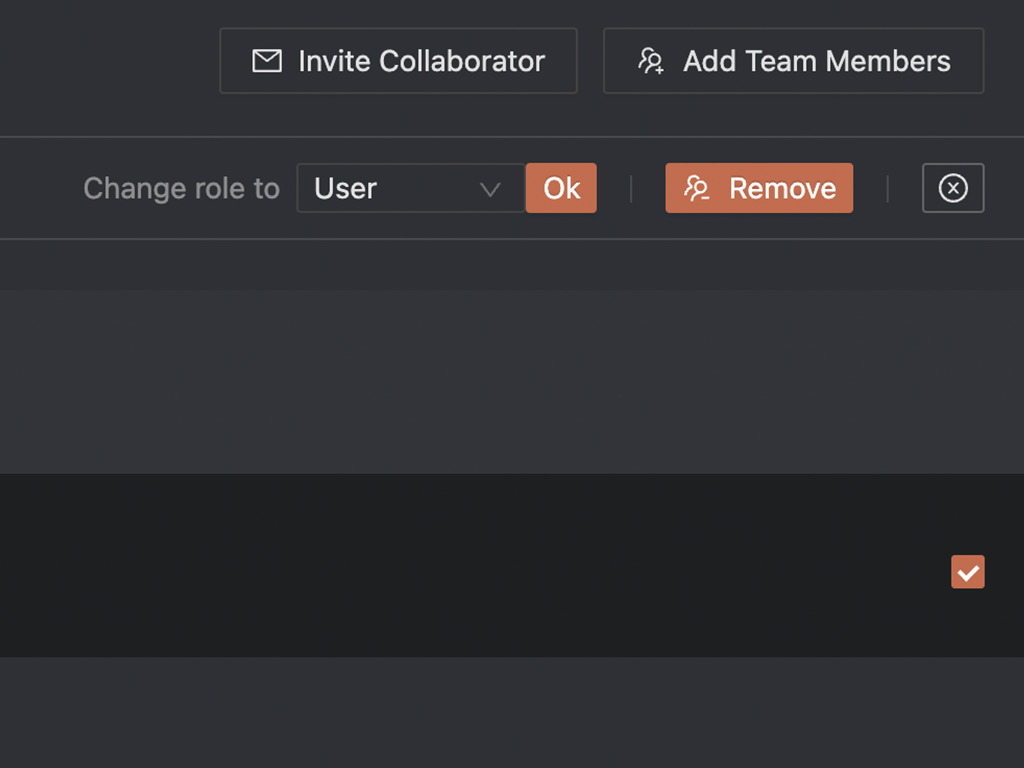
Select the “participant” and press the remove button.
Pro Tipp: you can also select all or multiple participants.
Pro Tipp: for adding the participant back, simply re-invite him again.
links

select the workspace
Select the “participant” and press the remove button.
Pro Tipp: you can also select all or multiple participants.
Pro Tipp: for adding the participant back, simply re-invite him again.

You are currently viewing a placeholder content from Facebook. To access the actual content, click the button below. Please note that doing so will share data with third-party providers.
More InformationYou are currently viewing a placeholder content from Instagram. To access the actual content, click the button below. Please note that doing so will share data with third-party providers.
More InformationYou are currently viewing a placeholder content from X. To access the actual content, click the button below. Please note that doing so will share data with third-party providers.
More InformationYou are currently viewing a placeholder content from Google Maps. To access the actual content, click the button below. Please note that doing so will share data with third-party providers.
More Information