Quick start RAUM
Direct invitation
You’ve received an invitation!
Check your inbox for an email from raum.app.
It has everything you need to get started.

Please note: the invitation link is valid for 3 days.
If it expires, you can ask your host to send you a new one.
Accept in VR if logged out
Enter 9 digit personal invitation code at login keypad
Accept in VR if logged in
check pending invitation notification under workspaces in RAUM home, select and accept.
Accept in ControlCenter
Log in at manage.raum.app, see pending invitation notification, click and accept
Device check before you Join
Fully charge your device ✔
Connect to a stable WiFi ✔
Install RAUM for free ✔
Note: use mobile hotspot on your smartphone if internet connection is unstable
New to RAUM? Watch the 9-minute intro tour: teleporting, your avatar, controls, the watch, tools, the display and 3D content.
You are currently viewing a placeholder content from Vimeo. To access the actual content, click the button below. Please note that doing so will share data with third-party providers.
More InformationJoin in RAUM
Launch the RAUM app on your device
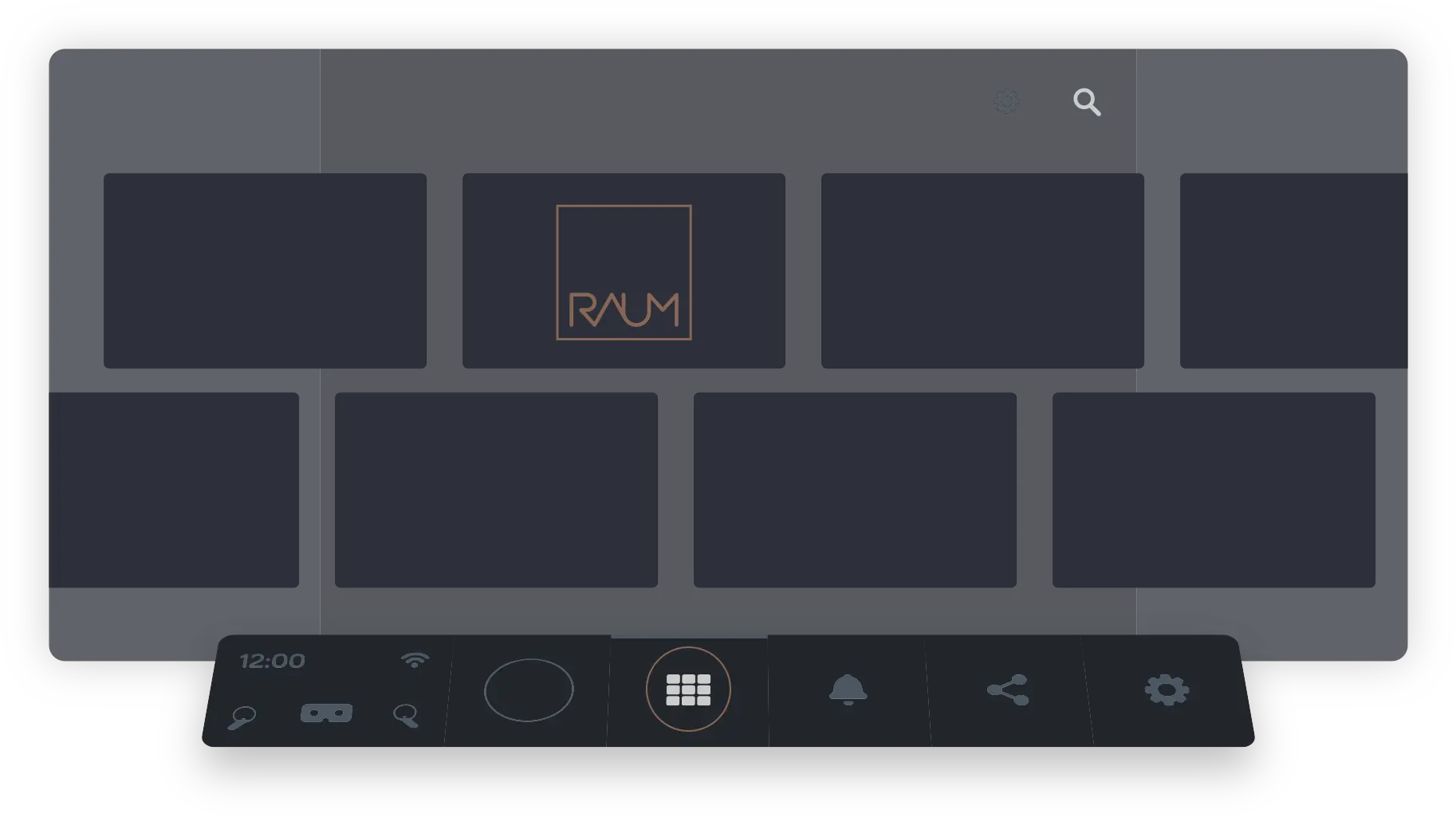
Enter the 9-digit code.
Use your virtual fingertip to dial in
Teleport towards the workspaces.
and touch the tile you want to enter
Have a pleasant journey
Remember to charge your device before your next journey
How to navigate RAUM
Navigation and Controls
Select
Use fingertip to touch and click menus and buttons (real index finger, virtual finger indicates position)

Use
Press the trigger button of your controller Use your index finger to use any tool in your hand

Grab
Reach out for items and press Grip button on controller to grab items (middle finger)


Teleport
Press teleport button and keep pressed, position shoes to destination, release X or A button (thumb)


Turn around
Use thumbstick to rotate clockwise or anti clockwise (thumb)


Option Menu
Use Y or B buttons for optional item menus or remote menus. Keep pressed, aim at item and release (thumb)
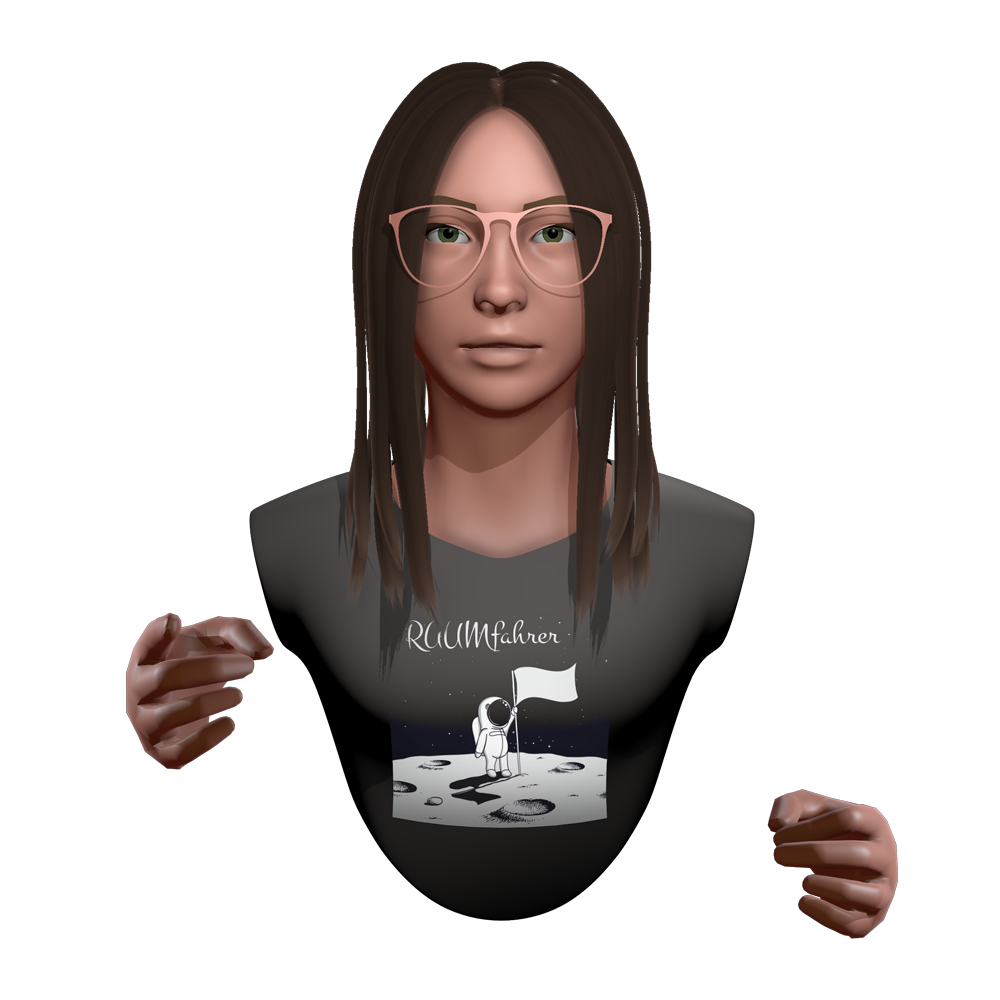
Avatar Creation.
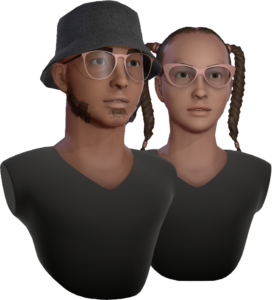
Avatar by default
RAUM gives you a random avatar by default. You can change it any time.
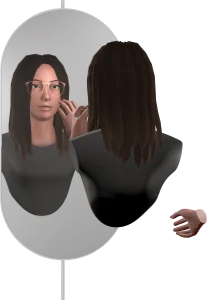
See how you look
Go to the wardrobe in RAUM Home and teleport in front of the mirror to see how you look.
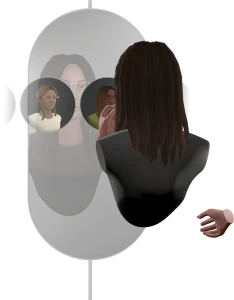
Set your Avatar
tap the “New Identity” icon and pick a preset.
Press SAVE to apply it.